Keylilt · Player guide
Charts, editing and sharing
Bring a chart into the game, adjust a phrase and share the version you played.
Import a VOS chart
For an original .vos file, use the Keylilt command-line tool to convert it to .klc. Verified formats include V3 (inf/mid) and VOS1.
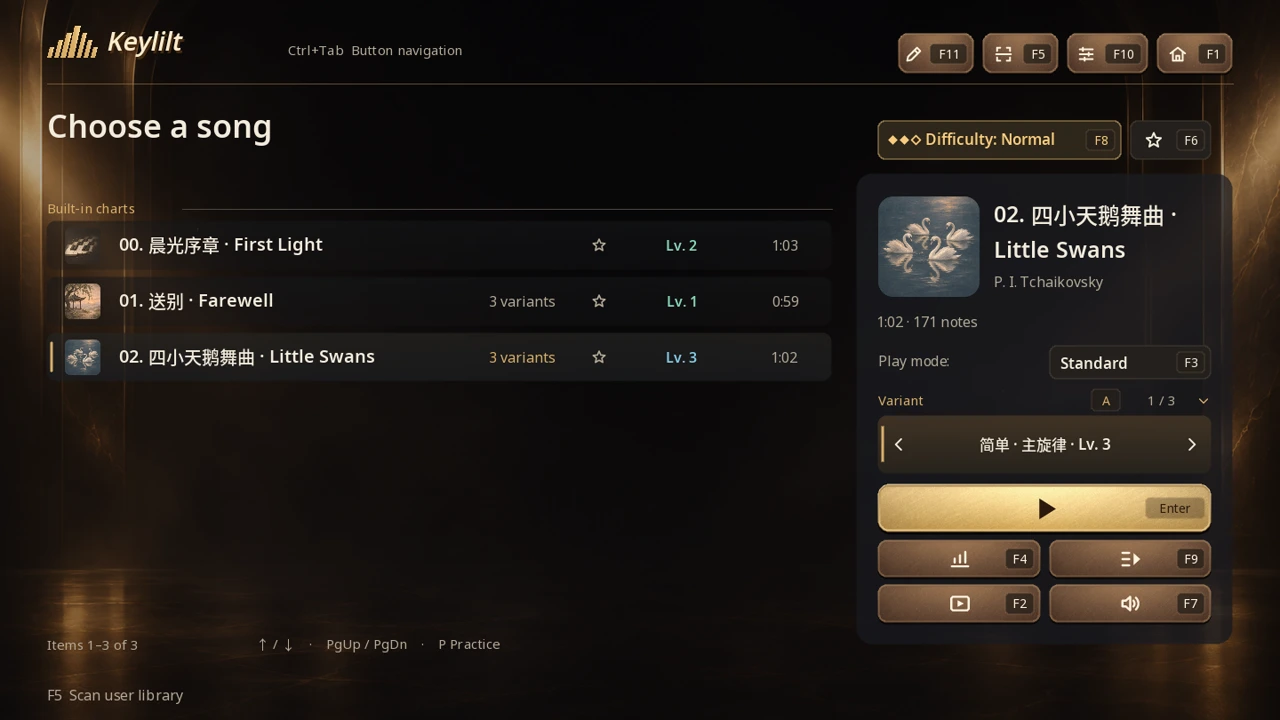
keylilt-cli import-vos "input.vos" "output.klc"Replace the filenames with your own, then place the resulting .klc in your user chart directory, then press F5 on the song selection screen to rescan. For a Keylilt library pack (.kll or .zip), use Settings → Library → Import library pack.
Edit and play a phrase
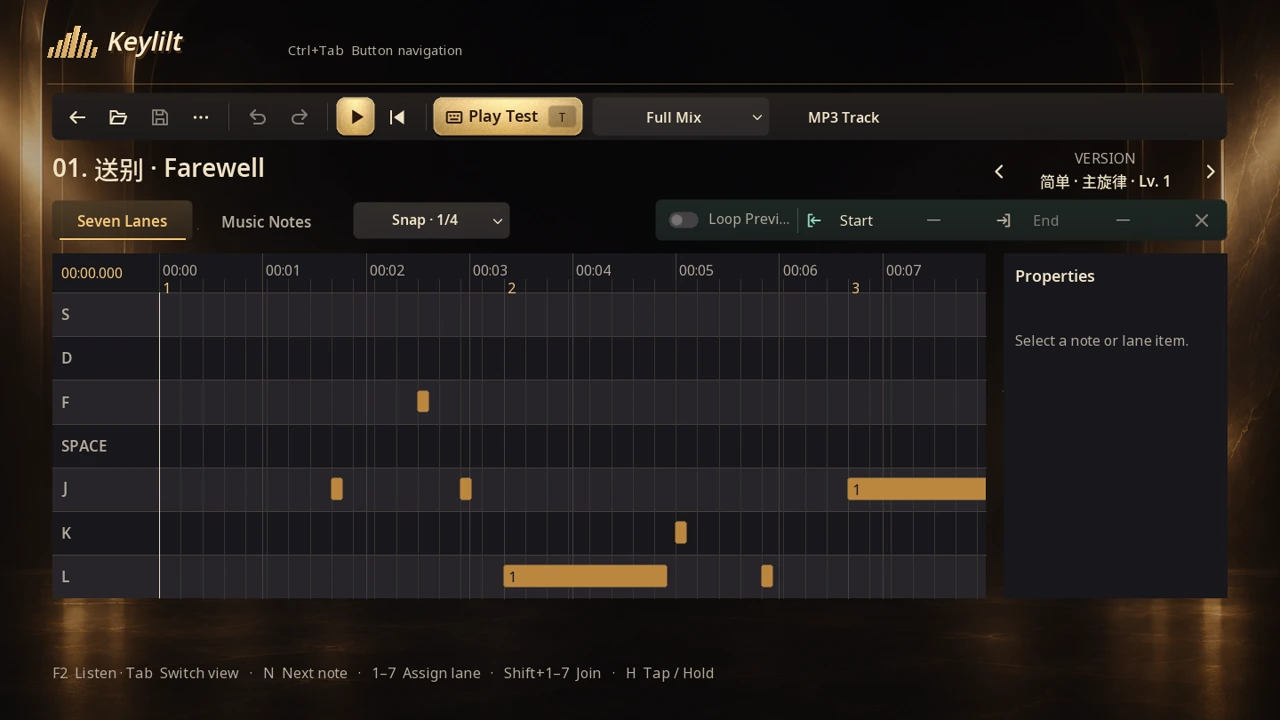
Select the built-in Farewell chart and open its melody version in the editor. Select a note in the seven-lane grid, adjust its placement, then play the phrase to hear the difference.
Share a performance
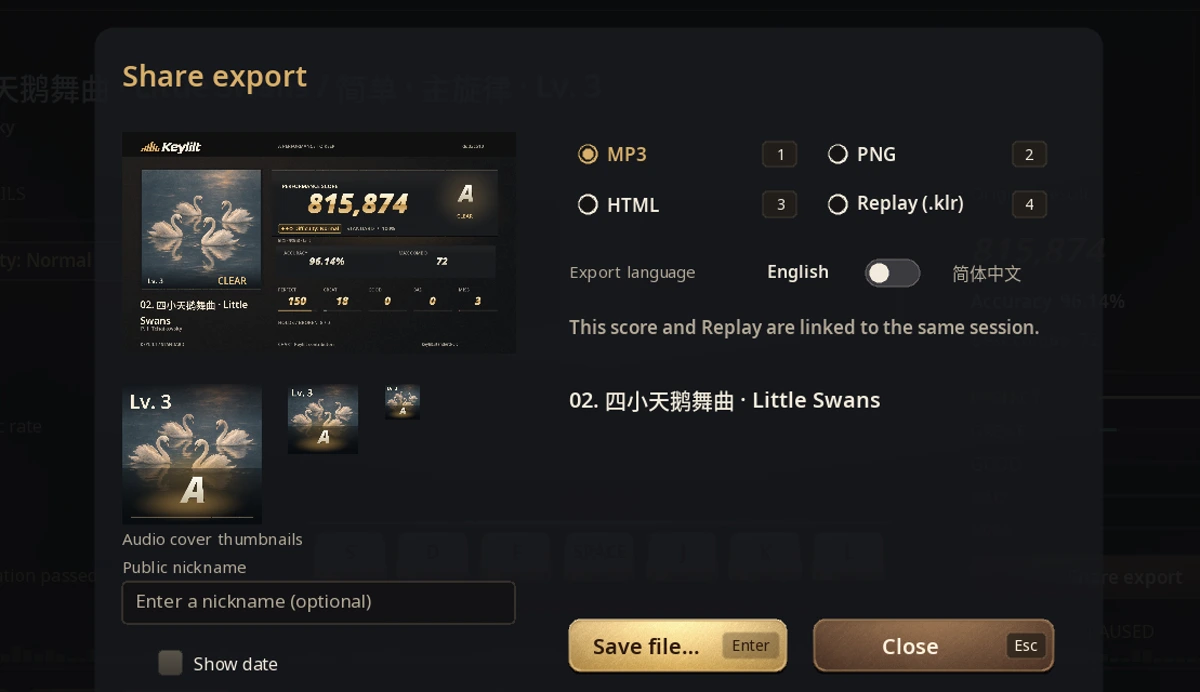
After an eligible run, press F6 on the results screen and keep the replay attached to the score. In the replay sharing panel, choose MP3 for the performance or PNG for the score. A linked score and replay can also become one offline HTML page. Choose KLR to keep the original replay file.